
Setting up an Azure Active Directory application to retrieve Let’s Encrypt certificates
So you might remember me posting about using the Let’s Encrypt site extension for Azure App Services, called Azure Let’s Encrypt, created by SJKP.
This has quite well for over a year now and even works for Function Apps .
However, last month I got notified my SSL certificate was expired on one of my sites. Strange, as an automated job should just handle this for me. I thought the job probably didn’t execute because of some glitch in the matrix. Therefore I logged in manually, started the site extension wizard again and was stuck on this screen.
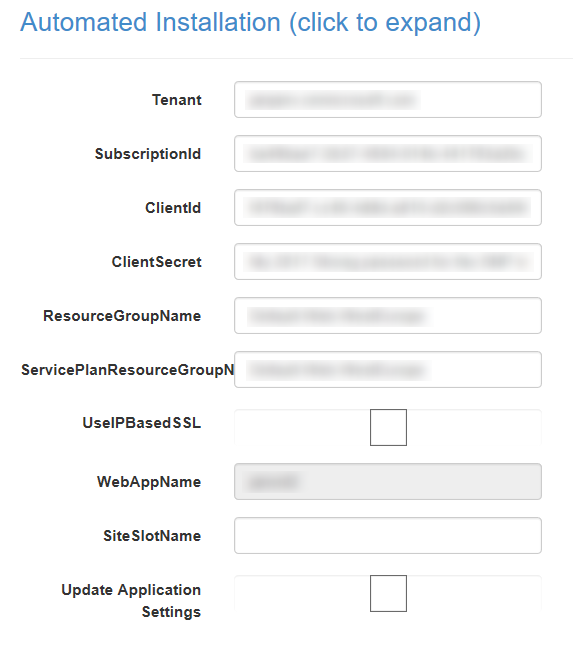
The reason I was stuck was because the ClientId and ClientSecret didn’t work anymore. As these settings hadn’t changed since I started using this extension I found it quite strange.
Apparently, the Server Principal , which I had created last year, somehow had changed and I didn’t know how to change it back. Lucky for me, managing the AAD isn’t very hard to do nowadays. With a bit of trial and error I was able to create a new SNP and use these details on the Let’s Encrypt site extension.
Creating a new application in AAD
First thing you need to do is add a new Appliction to your AAD. Be sure to pick the option App registrations over here and press the New application registration.
Read more →
![clip_image001[4]](https://jan-v.nl/files/8047a43c-7dd3-4c73-8f80-f76e0789deb4.png)