
Creating a native Teams app with Dataverse integration
I’ve been working with the Power Platform for a couple of weeks now, and I’m pretty impressed by the functionality it offers.
Lots of scenarios can be covered by using these tools as a frontend for applications we need to serve to our customers, and there’s also a very nice integration with Microsoft Teams! However, there’s always this special little snowflake that can’t easily be accomplished within a Power App. The keyword over there is ’easily'.
To overcome this, you can also create native Teams applications.
To create these types of applications, you need to install the Teams Toolkit for Visual Studio
or Teams Toolkit for Visual Studio Code
. Both work fine, but when working with something new I prefer using full Visual Studio so that’s what I’ve been using for this first application.
When installed, you’ll have a new project option called Microsoft Teams App.
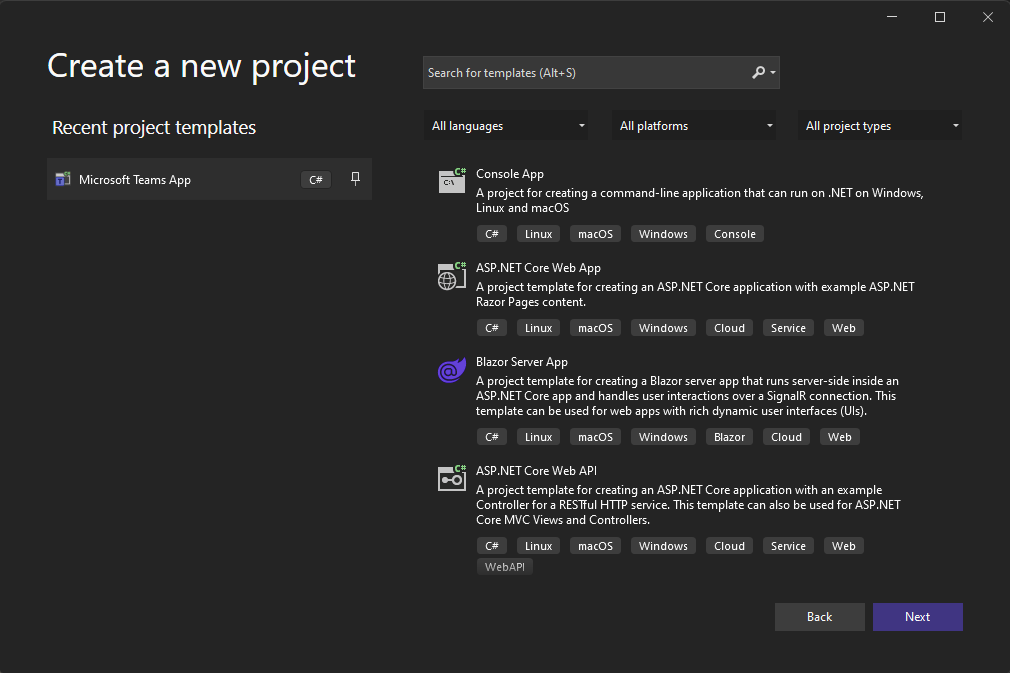
This will create a new Teams App project, and you can even choose if you only want it to be a Tab-application, a Bot-application, or both.
Once the project is finished creating all of the files, you’ll probably see some familiarities with a Blazor application. That’s because the Teams Application is a Blazor UI application! There’s also a nice GettingStarted.txt file that details how to run & set up your environment.